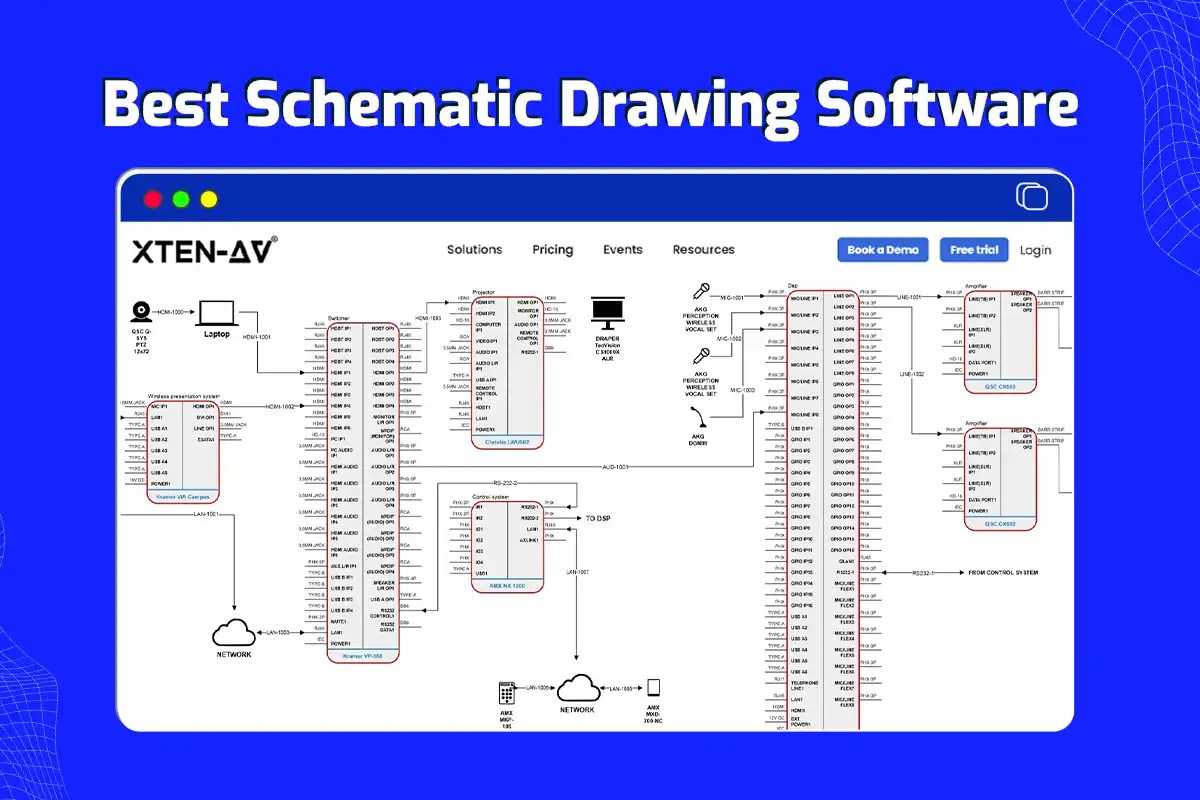
Best Free Schematic Drawing Software: A Professional Engineering Guide to Circuit Design
Engineering projects often stall due to the limitations of inadequate design tools. Professional-grade circuit design requires precision, standardized symbol libraries, and seamless integration between schematics and physical PCB layouts. When the budget does not allow for high-cost enterprise licenses, identifying the best free schematic drawing software becomes a critical mission for technical success. This guide examines the technical requirements, operational workflows, and troubleshooting strategies necessary to master modern Electronic Design Automation (EDA) without financial overhead.
Defining Modern Schematic Design Tools
The best free schematic drawing software consists of digital platforms that enable engineers to create, simulate, and document electrical circuits without licensing fees. These tools provide comprehensive libraries of standardized symbols, automated netlist generation, and Design Rule Checking (DRC) to ensure electrical connectivity and manufacturing compatibility across various hardware development stages.
The Friction of Substandard Design Tools
In the field of electrical engineering, the cost of an error is measured in blown components and wasted production cycles. Many designers attempt to use generic vector graphics programs or outdated freeware that lacks intelligence. This approach leads to broken netlists, inconsistent component footprints, and significant manual labor during the transition from a conceptual drawing to a physical prototype. The frustration of discovering a pin-mapping error after a PCB has been manufactured is a preventable catastrophe.
Agitating this issue further is the lack of interoperability. Using a tool that cannot export standard Gerber files or Bill of Materials (BOM) data isolates the designer from the manufacturing ecosystem. Reliability is not a luxury; it is a fundamental requirement. Shifting the focus toward high-performance, open-source, or community-supported EDA tools ensures that the design remains scalable and professional from the first wire to the final assembly.
Core Components of High-Tier Schematic Software
To qualify as the best free schematic drawing software, a platform must integrate several core technical components. These features distinguish a professional engineering tool from a simple drawing application:
- Standardized Symbol Libraries: Access to IEEE, IEC, and ANSI-compliant symbols for resistors, capacitors, integrated circuits, and connectors.
- Netlist Engine: A logic-based system that tracks electrical connections between components, ensuring that the software understands the circuit’s functionality.
- Electrical Rules Check (ERC): An automated diagnostic tool that identifies floating pins, short circuits, and unconnected nets before the design moves to layout.
- Footprint Mapping: The ability to link schematic symbols to physical dimensions and pad layouts for printed circuit board (PCB) production.
- Hierarchical Design Support: Functionality that allows complex circuits to be broken down into manageable sub-sheets or modules.
- Export Capabilities: Support for industry-standard formats such as Gerber, PDF, DXF, and CSV for BOM generation.
Step-by-Step Workflow for Professional Schematic Creation
Utilizing the best free schematic drawing software requires a disciplined approach to ensure data integrity and manufacturing readiness. Follow this technical progression to move from a blank canvas to a validated design:
- Project Environment Configuration: Initialize the workspace by selecting the appropriate grid size and unit system (metric or imperial). Define the page border and title block to include project metadata such as version numbers and engineer credentials.
- Component Selection and Placement: Source components from the primary library. If a specific integrated circuit is unavailable, utilize the library editor to create a custom symbol, ensuring that pin numbers and functions match the manufacturer’s datasheet exactly.
- Logical Net Routing: Connect component pins using the "Wire" or "Net" tool. For complex designs, utilize "Net Labels" to create logical connections between distant points on the schematic without cluttering the visual field with crossing lines.
- Power and Ground Definition: Assign dedicated power ports (VCC, VDD) and ground symbols (GND). This step is vital for the software to recognize common power rails during the simulation and PCB layout phases.
- Annotation and Reference Designators: Run the automated annotation tool to assign unique identifiers (e.g., R1, C1, U1) to every component. This ensures consistency across the BOM and the physical board.
- Electrical Rules Validation: Execute the ERC to find errors. Address every warning, specifically checking for unconnected inputs on CMOS logic or missing power pins on operational amplifiers.
- Netlist and BOM Generation: Export the finalized netlist to the PCB layout editor and generate a Bill of Materials. Verify that every component has a designated manufacturer part number (MPN) to facilitate procurement.
Troubleshooting Common Schematic Design Issues
Even when using the best free schematic drawing software, technical hurdles can arise during the design cycle. Effective troubleshooting involves a systematic review of the logic and the software’s data structure.
Identifying Netlist Mismatches
A common symptom is the failure of a connection to transfer from the schematic to the PCB layout. This often occurs when a net label is misspelled or when a wire is visually touching a pin but not electrically snapped to it. To resolve this, zoom in on the connection points and ensure the software displays a "junction" dot where wires intersect. Re-running the netlist export usually clears temporary data conflicts.
Resolving Footprint Errors
If the software indicates that a component has "no footprint assigned," the link between the logical symbol and the physical pad layout is broken. Access the component properties and manually browse the footprint library. Always cross-reference the footprint dimensions with the physical component datasheet, as many parts come in multiple packages (e.g., SOIC-8 vs. TSSOP-8).
Managing Library Corruption
In some open-source software environments, library paths may become disconnected after a software update. If symbols appear as question marks or "broken link" icons, check the library configuration paths in the global settings. Restoring the link to the symbol library folder typically restores the design's visual integrity.
Safety Standards and Design Risks
Schematic design is the blueprint for hardware that handles energy. Failure to adhere to safety standards during the design phase can lead to hardware failure or physical danger.
- Creepage and Clearance: Ensure that high-voltage nets are clearly labeled so that appropriate spacing can be maintained during the PCB layout phase to prevent arcing.
- Current Density Awareness: Schematics do not inherently show wire thickness. Engineers must document high-current paths within the schematic notes to ensure the layout designer uses adequate copper weight and trace width.
- Ground Loops: Improperly designed ground planes in the schematic can lead to signal interference. Utilize star-grounding techniques in the schematic logic to minimize noise in sensitive analog circuits.
Criteria for Evaluating Free EDA Tools
When selecting the best free schematic drawing software, prioritize tools that have an active community and frequent updates. Open-source options like KiCad offer professional-level features including 3D visualization and extensive plugin support. Web-based tools like EasyEDA provide convenience and built-in integration with component distributors, which accelerates the transition from design to ordering. The choice should depend on whether the project requires offline capability, cloud collaboration, or specific simulation features like SPICE integration.
Frequently Asked Questions
Is free schematic software powerful enough for commercial products?
Yes, many professional engineers utilize high-end free and open-source tools for commercial hardware development. These tools often match the functional capabilities of paid suites, provided the user is willing to manage library updates and community-driven support channels.
Can these tools simulate circuit behavior?
The best free schematic drawing software often includes or integrates with SPICE (Simulation Program with Integrated Circuit Emphasis) engines. This allows designers to analyze voltage levels, frequency response, and transient behavior before physical prototyping begins.
How are custom components handled in free software?
Most professional-grade free tools include a Symbol Editor and a Footprint Editor. Users can create custom parts by defining pin layouts, drawing the graphical representation, and mapping the electrical pins to the physical pads according to a component datasheet.
Do free schematic tools support multi-layer PCB design?
While the schematic itself is a two-dimensional logical representation, the associated layout tools in the best free suites typically support multi-layer designs, ranging from simple 2-layer boards to complex 16-layer or higher stack-ups.
Can I import designs from paid software like Altium or Eagle?
Many free platforms include import filters for popular paid formats. However, the accuracy of the import can vary. It is standard practice to perform a full Electrical Rules Check and verify component footprints after migrating a design between different software environments.
Technical Standards Summary
Success in electronics design depends on the precision of the initial schematic. By utilizing the best free schematic drawing software and following rigorous engineering workflows, designers can produce high-quality, reliable, and manufacturable hardware. The focus must always remain on logical accuracy, standardized documentation, and proactive error checking to ensure the longevity and safety of the final product.